Workspace
The Workspace is the main editing and viewing area in SEI. It opens whenever you create or edit a visualization, and its layout adapts based on the type you are working with. Each open visualization appears in its own tab, so you can switch between several at once without losing your work.
It is not a fixed layout. A view gives you a field organizer at the top and a toolbar on the side. A dashboard focuses on arranging and connecting multiple views together. A report groups worksheets from different data models into one place. A workbook adds a full ribbon with spreadsheet-style tools. In every case, the Content Area is where you work with the data, and changes show up immediately as you make them.
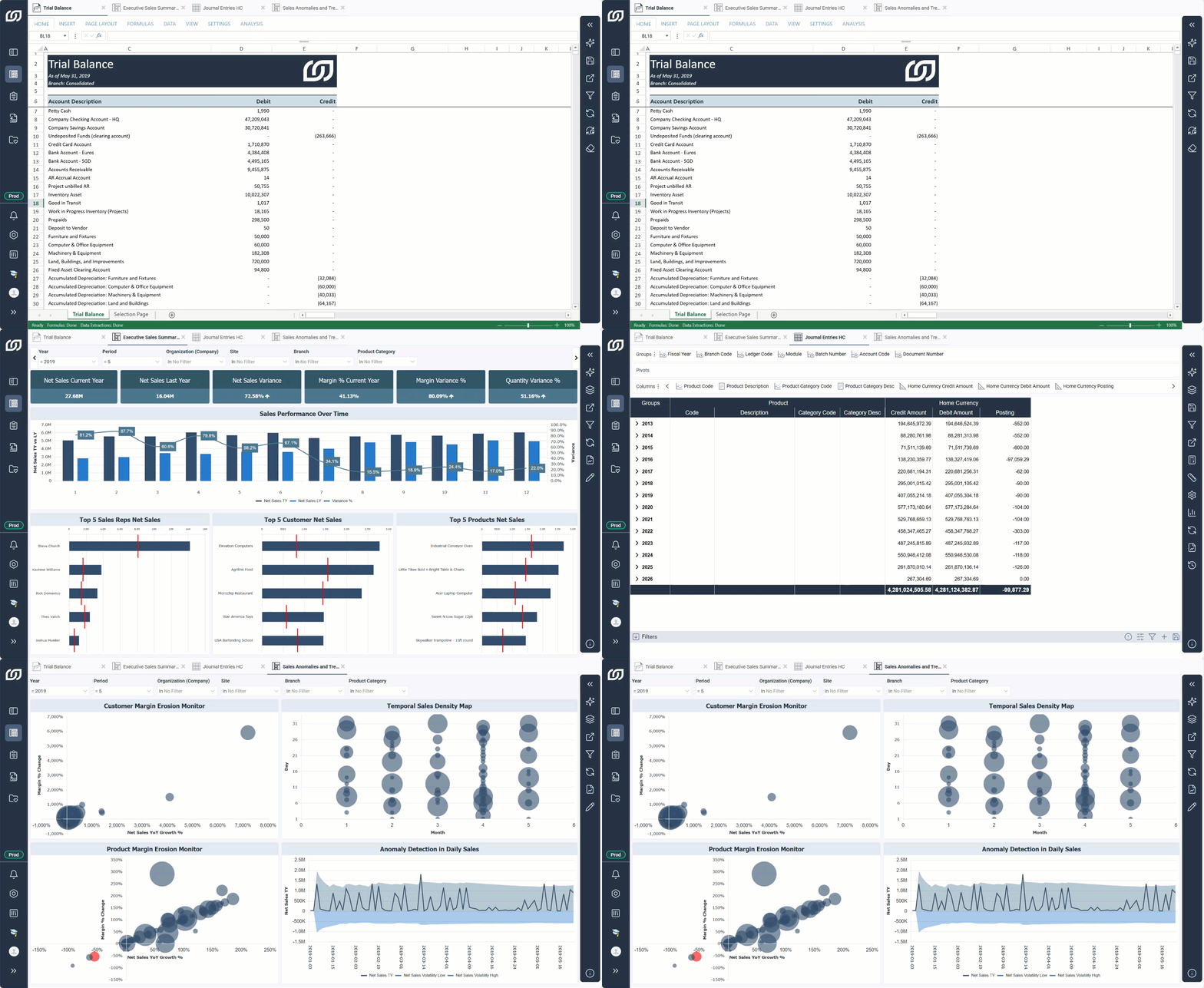
What you can do in the workspace
- View and edit visualizations directly in the content area, with changes reflected immediately.
- Apply filters and sort data to narrow down what is displayed in a view or dashboard.
- Customize the appearance and layout of any visualization, including field arrangement, display options, and formatting.
- Work on multiple visualizations at once by switching between open tabs without closing anything.
- Access the right tools for each type as the Workspace layout changes automatically based on what you are editing.
Workspace layouts
Each visualization type has its own layout with a specific set of components. Select a tab below to see what is available for each one.
- Views
- Dashboards
- Reports
- Workbooks
View workspace
The view workspace has three components:
- View Organizer to add, remove, and arrange the fields that make up the view.
- Content Area where you interact with the view, apply filters, and adjust how data is displayed.
- Toolbar to access configuration, display, and sharing options.
Dashboard workspace
The dashboard workspace has two components:
- Content Area where you place, arrange, and configure the views that make up the dashboard.
- Toolbar to access configuration, display, and sharing options.
Report workspace
The report workspace has two components:
- Content Area where you arrange and configure the worksheets that make up the report.
- Toolbar to access configuration, display, and sharing options.
Workbook workspace
The workbook workspace has three components:
- Ribbon to access workbook features organized in tabs, such as inserting functions, refreshing data, and applying formulas.
- Content Area where you build and edit workbook content.
- Toolbar to access configuration, display, and sharing options.