Info Page to Refresh Attribute Views
The Info Page to Refresh Attribute Views data model for Acumatica contains an info page with a single button. Click Refresh to update the data warehouse with the new, changed, or removed custom attributes from Acumatica.
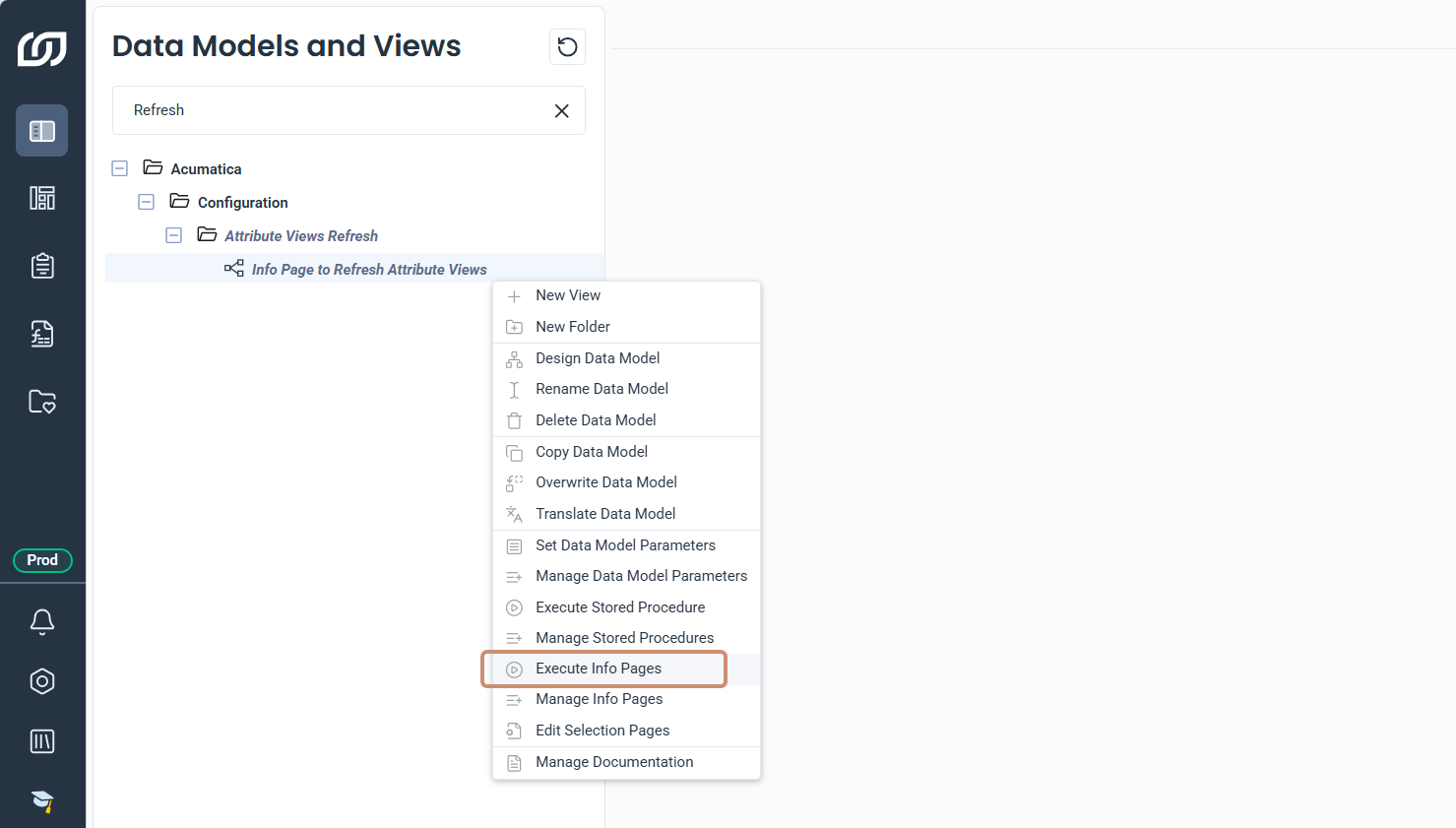
Execute the info page to refresh attribute views
- In the navigation panel, click Data Models and Views.
- Under the Configuration folder, expand Attribute Views Refresh.
- Right-click the Info Page to Refresh Attribute Views data model.
- Select Execute Info Pages.
- In the info page, click Refresh.