Connections in DataSync
In the Connections module, you create the connections that tell DataSync where to read data from and where to write the results. You must create them before you can run any extraction.
DataSync moves data in three steps. A source connection reads data from a system such as your ERP, CRM, or database. DataSync then processes and transforms that data. Finally, a destination connection writes the processed data into a data warehouse, where it is available for reporting and analytics. Each connection uses a connector, which is the component that communicates with one specific system and maps the data between that system and DataSync.
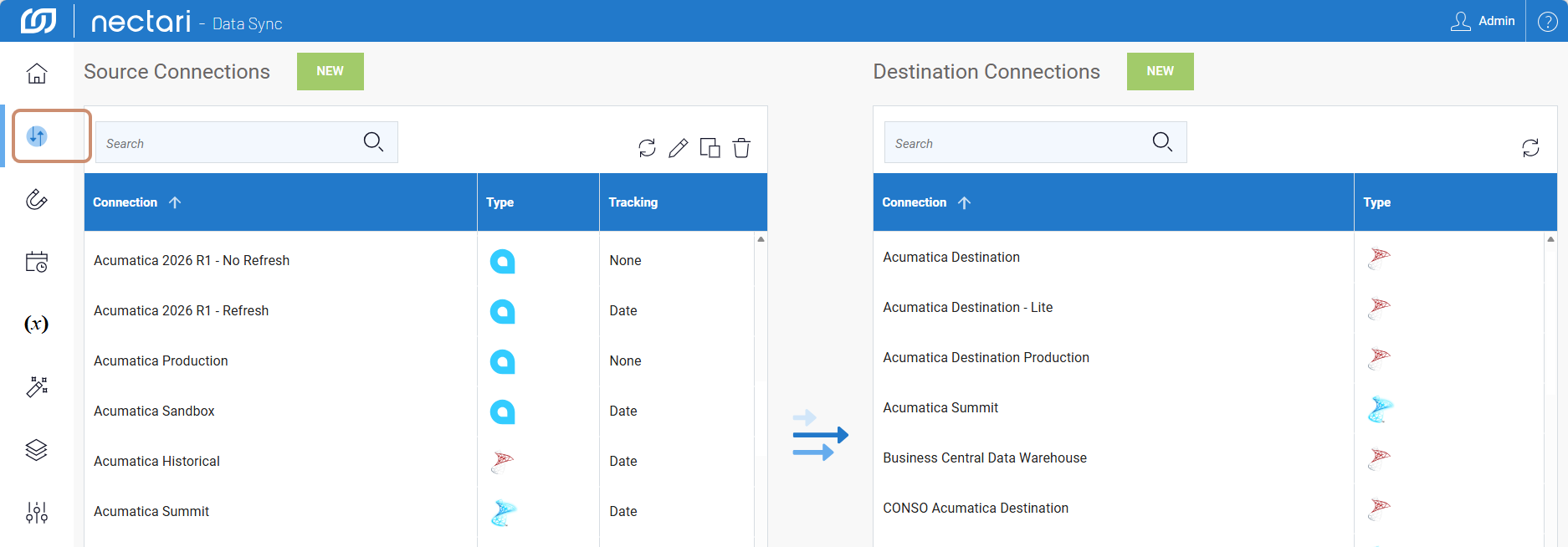
Always create the source connection first, then the destination connection.
Source connectors
Destination connectors
Duplicate a connection to create a new connection from an existing one, for example to connect to a similar system without entering every parameter again. The copy needs a unique name.
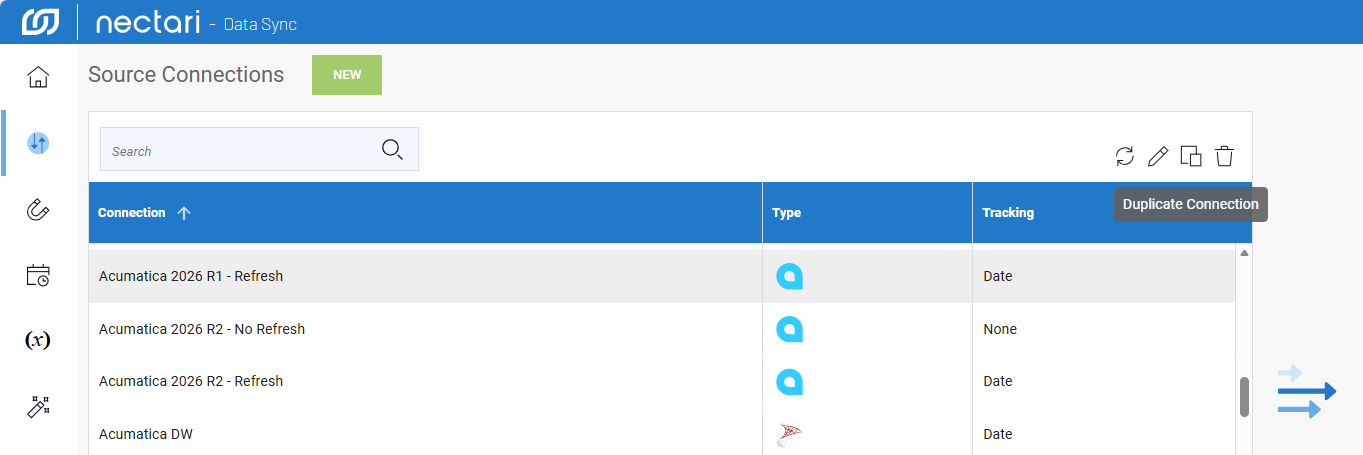
- On the Connections page, select a connection in the list.
- Click the Duplicate Connection icon.
- In the Edit Connection dialog, enter a unique name for the copy.
- (Optional) Change any parameters.
- Click Save.